Sending Transactions on SKALE Chain
Sending transactions to your SKALE Chain requires encoding the function data to execute via both Marionette and IMA. The recommended way for this is to use the multisigwallet CLI from SKALE.Prepare Transaction Data
This uses the encodeData command from MultisigWallet CLIThe following example will help you grant a specific role to an externally owned account (EOA) on your SKALE Chain. This can be useful in the early days of setting up your chain to help distribute sFUEL with scripts as needed.
| Name | Value |
|---|---|
| Contract Name | Etherbase |
| Role | ETHER_MANAGER_ROLE |
| Role Id (keccak256) | 0xe0ba7b49edc651b7ad93b374c67f1e9a0d37370168bbb86b81c569ebfa15f046 |
| Receiver | 0xa9E1712086412A157A2A187A111bFAb203C73F6E |
| SKALE Chain Name | juicy-low-small-testnet |
Submit Transaction to SAFE
- Go to SAFE App or your preferred frontend for SAFE.
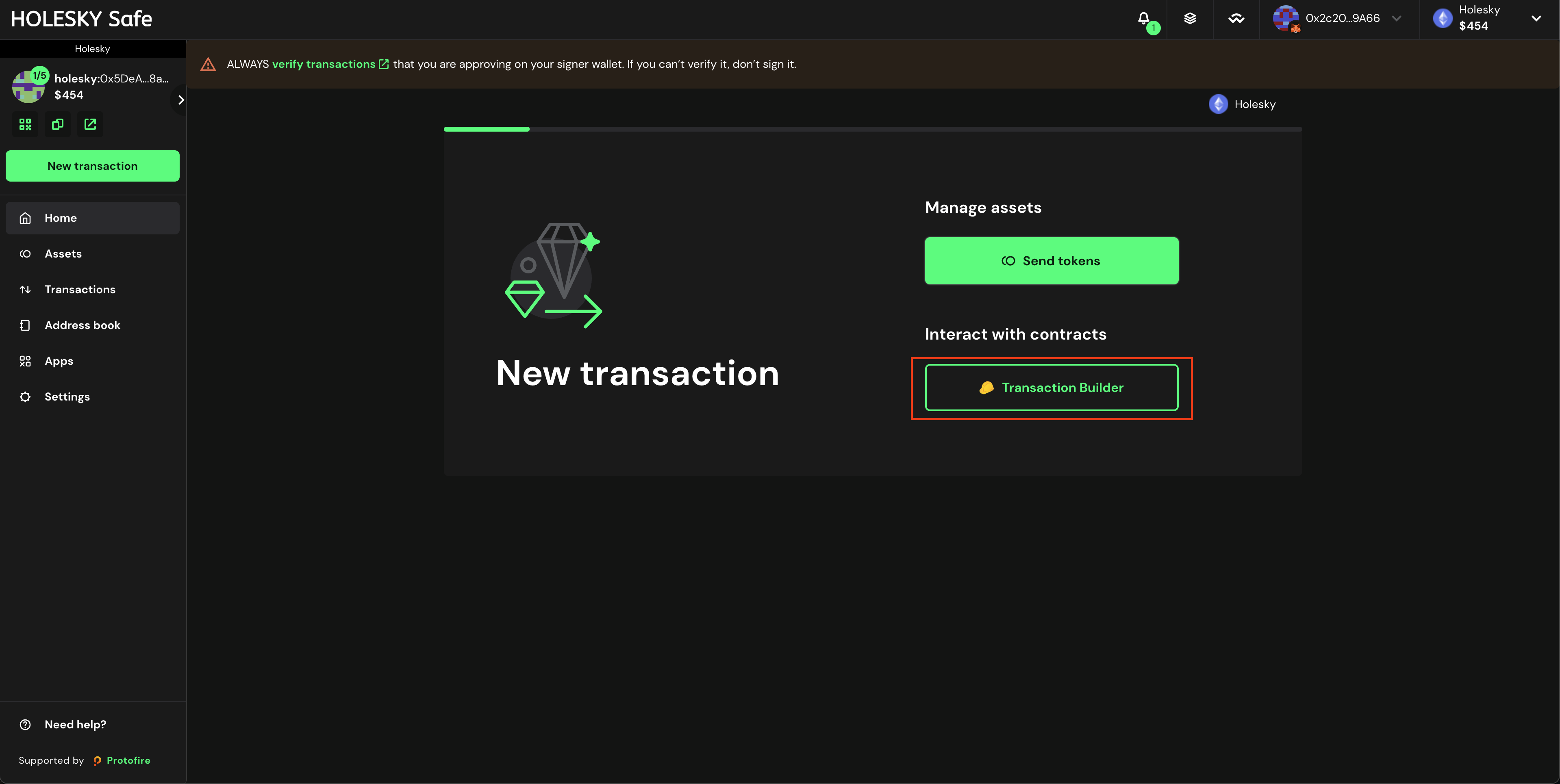
- Press New Transaction and then Transaction Builder
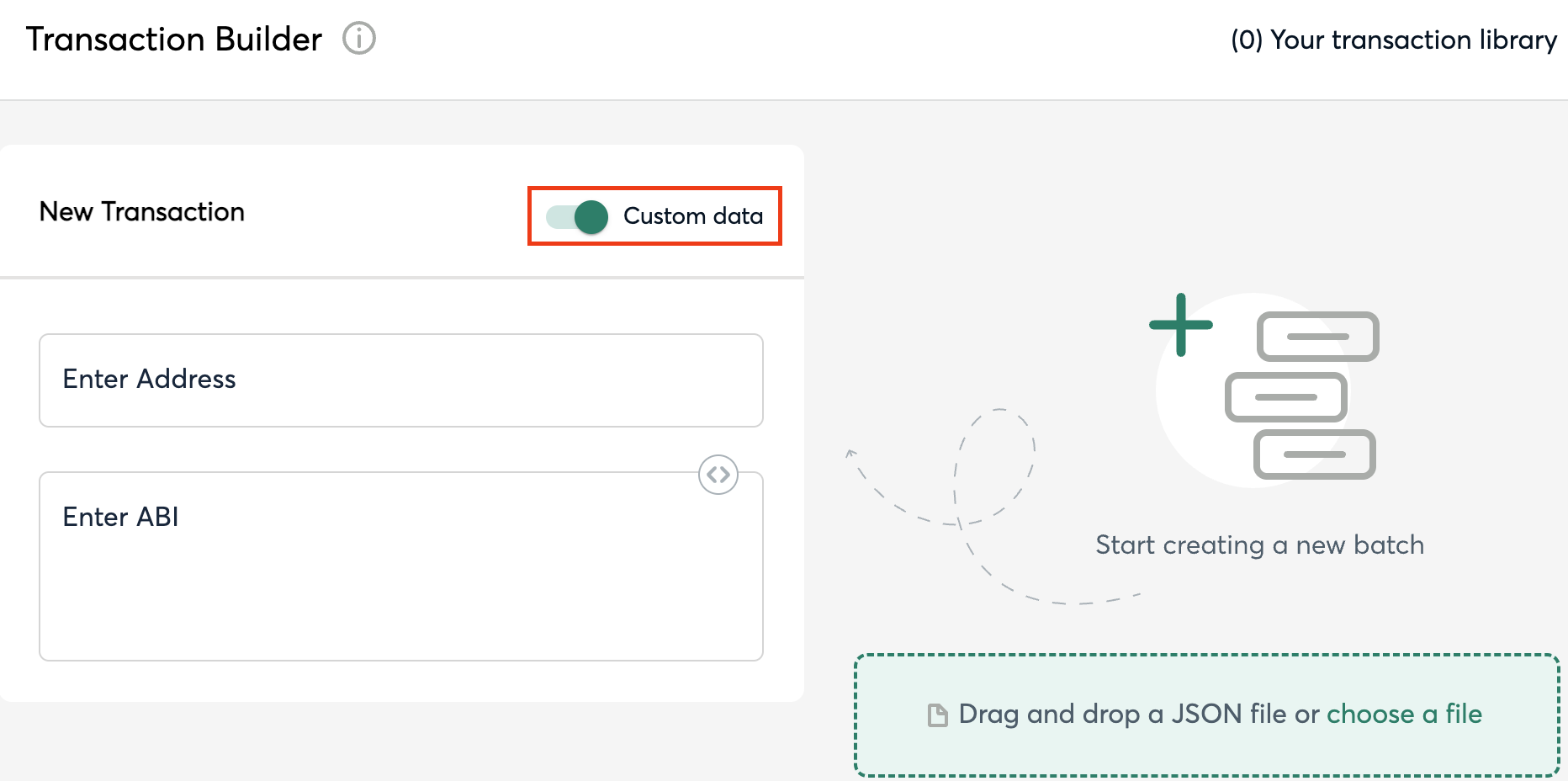
- Enable the toggle Custom Data
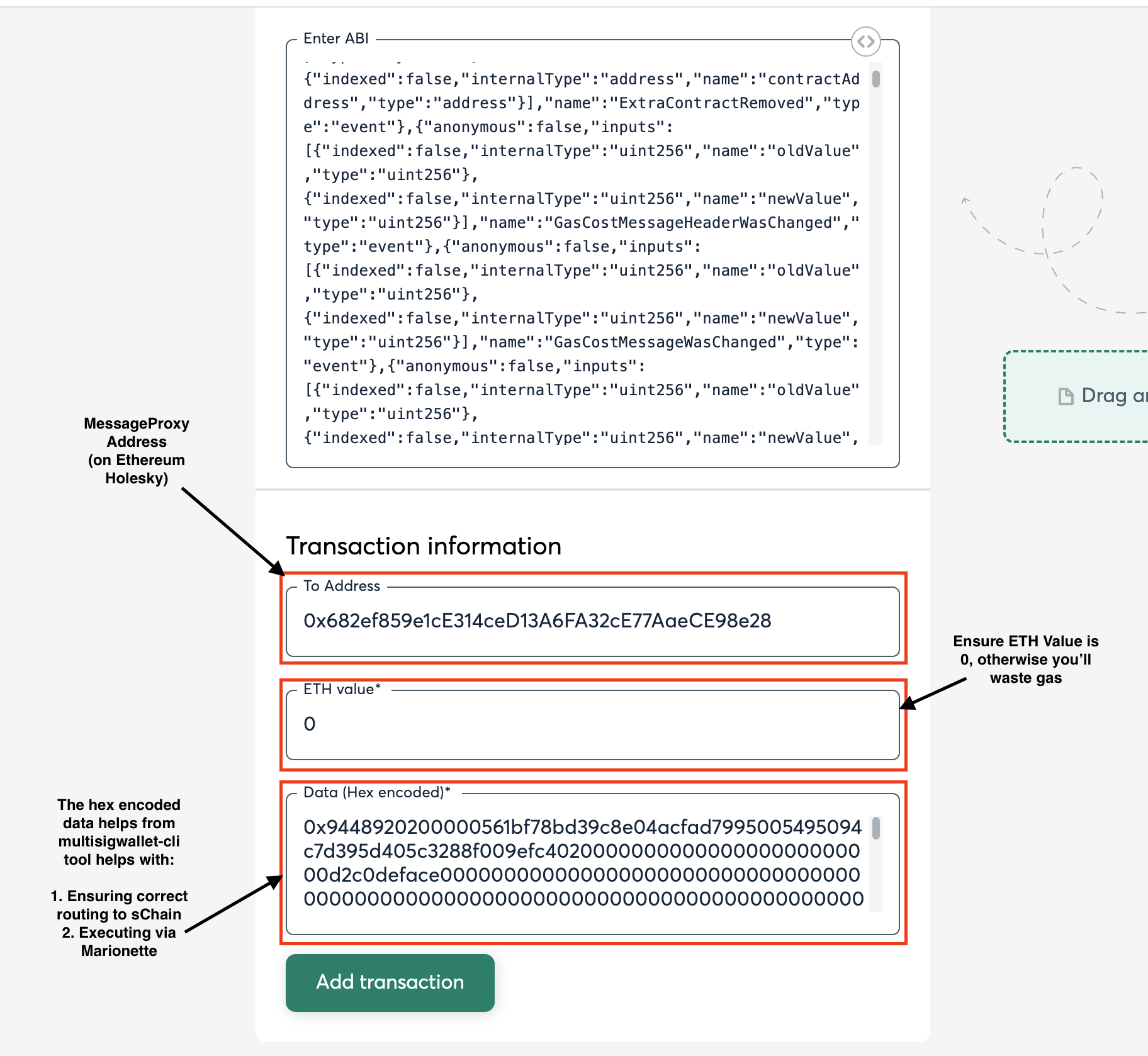
- Input the MessageProxy address for your correct environment into the Contract Address field and select Use Implementation ABI
| Network | Contract Address |
|---|---|
| Ethereum Mainnet | 0x8629703a9903515818C2FeB45a6f6fA5df8Da404 |
| Ethereum Holesky Testnet | 0x682ef859e1cE314ceD13A6FA32cE77AaeCE98e28 |
- Input 0 for ETH Value
- Input the above Output from the
npx msig...command into the Data (Hex Encoded) field (see image).
- Click Add transaction, scroll down, and click Create Batch, then click Send Batch. Tenderly simulation is generally available, even on testnet, and is encouraged to be used to see all the changes occuring on the Ethereum side before they occur.